GTA 6 performance claims: what 4K, 60 fps and PS5 Pro Enhanced tell you
Read game-specific evidence before buying a console, display or accessory for an assumed GTA VI frame rate or graphics mode.
Choose GTA VI hardware using confirmed platform support and documented features, then treat exact frame-rate and image-quality claims separately. A console advertising up to 120 frames per second does not promise that every game runs that way. A 4K television does not prove the game renders every scene at native 4K. The whole setup and the particular game’s modes determine the result.
Sony lists GTA VI as PS5 Pro Enhanced and describes PS5 features including DualSense feedback and adaptive triggers. That is useful confirmed information. It is still not a substitute for a documented mode with a stated frame-rate target or a measured test of the released game. Do not turn a supported feature badge into a precise number it does not contain.
The practical aim is to avoid spending hundreds on a chain of assumptions. You may have a good reason to buy a new console or display, but that reason should survive a careful reading of the product information. If you already own a supported machine, keeping it while waiting for game-specific evidence is a valid option.
Frame rate describes motion over time
Frames per second, usually shortened to fps, measures how many images a game produces in a second. A higher and stable rate can make movement feel smoother. The important word is stable: an advertised peak does not describe the entire experience, and a target is not the same as a guarantee that every scene holds it.
The console, game engine, scene complexity and graphics settings all affect the rate. A busy scene can ask the hardware to do more work than a simple indoor view. That is why a short trailer or a scene from another game is not enough to establish performance across a large adventure. Evidence needs to match the actual game and mode.
Display refresh rate is related but different. A screen’s refresh figure describes how often it can update; the game still needs to supply frames. A 120 Hz display cannot create a genuine 120 fps game mode that the software does not offer. It may have other useful features, but the number on the screen’s box is not a promise about GTA VI.
Resolution is one part of image quality
Resolution describes the pixel dimensions of an image. More pixels can reveal detail, but the final appearance also depends on lighting, image processing, motion and viewing conditions. A game can output a 4K signal without rendering every element at a fixed native 4K resolution. Output format and internal rendering are different stages.
Dynamic resolution means the game can change its rendering resolution to manage performance. Reconstruction methods use available image information to build the final picture. Those techniques are not automatically bad, nor does the largest fixed number automatically produce the best overall experience. What matters is how the released game looks and moves in the mode you use.
Your seating distance and screen size can change what differences you notice. A subtle detail visible in a magnified comparison may be less important from a sofa. Before replacing a display, consider how you actually play, the current screen’s limitations and the wider uses you need. Do not buy for a number that has no clear benefit in your room.
Read PS5 Pro Enhanced as a feature label
The PS5 Pro Enhanced listing confirms support for that category on the product page. It should guide you toward the specific enhancement information, not end the investigation. Ask what changes for this game, in which mode and under what conditions. A badge can be accurate while leaving those detailed performance questions unanswered.
The same care applies to platform marketing such as plays best. That is a promotional claim in context, not an independently measured comparison of every console configuration. We can report that the official page presents the game that way without pretending we performed a side-by-side test. A buyer should separate the source’s message from a demonstrated result.
Buying Ultimate rather than Standard is another unrelated decision. Extra story content does not automatically unlock better processing performance on the same console. Adding an optical drive to a supported PS5 digital model does not create a higher-performance graphics system. See the drive explanation if packaging has become mixed into the hardware comparison.
The display chain can limit a supported feature
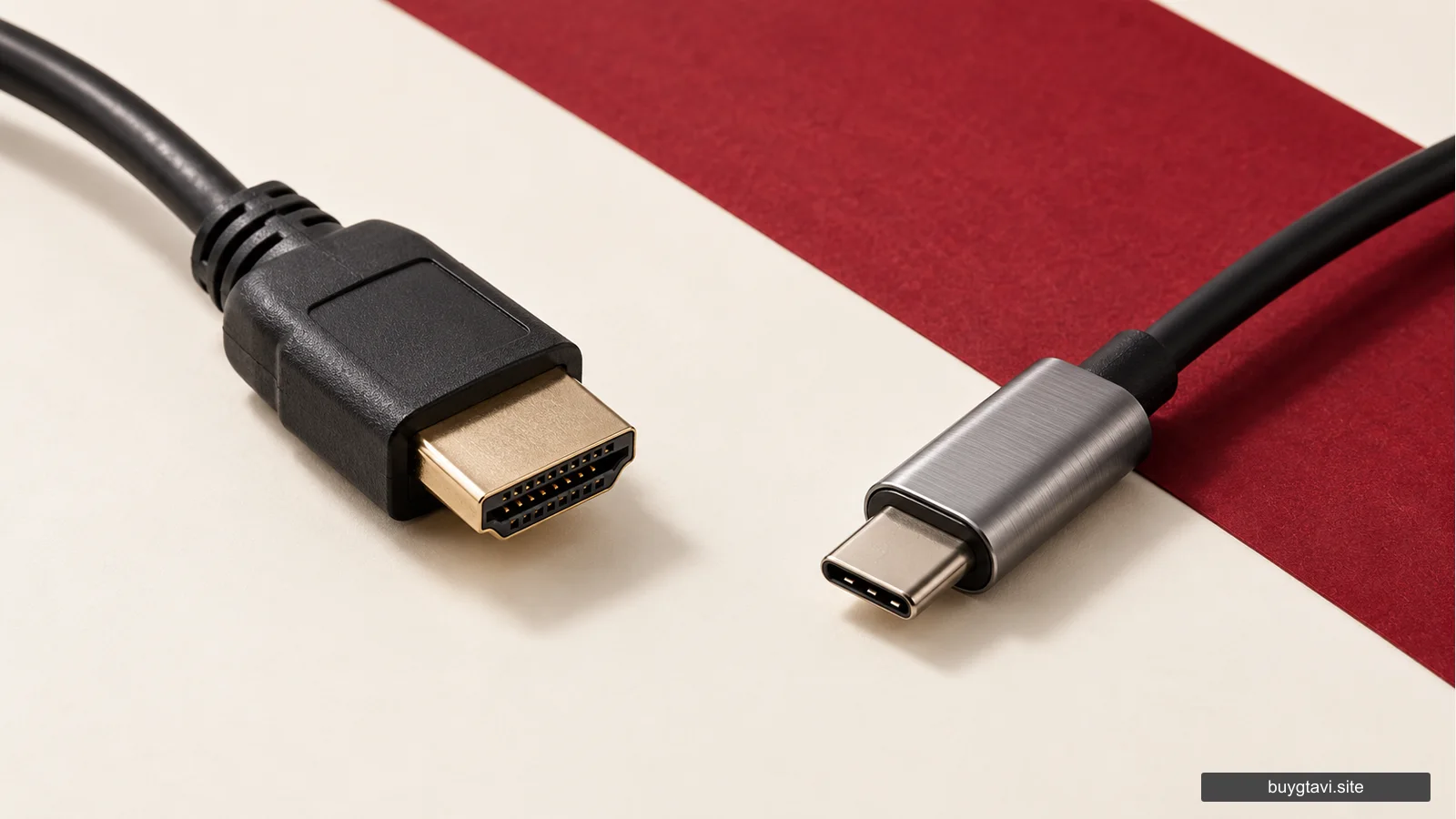
A console, cable, display input and screen setting all sit between the game and the image you see. If a feature requires a certain input mode or supported display, each relevant part must match. Replacing only the cable does not give an unsupported screen a new panel, and a capable screen connected through a limiting device may not receive every supported signal.
Check your display’s actual model documentation. Different HDMI ports can have different capabilities, and settings may need to be enabled. Use the console’s supported video-information screen to see what the connected setup reports. That provides more useful evidence than guessing from a sticker saying gaming or a cable advertised with an extremely high maximum bandwidth.
Do not begin by buying the most expensive replacement for every part. First identify the feature you want and whether the game offers it. Then locate the part of your current setup that prevents it. A targeted purchase can solve a real limitation, while a broad bundle of upgrades may leave the original misunderstanding untouched.
Controllers and audio have their own compatibility
Sony’s GTA VI page describes DualSense vibration, adaptive triggers and other PS5 audio and controller features. Those are different kinds of experience from frame rate. A person who values tactile feedback may care about them, while someone with particular accessibility needs should read the applicable settings and device support before choosing equipment.
An Xbox controller advertised for Windows does not become a PS5 controller. A headset’s connector, microphone support and device compatibility need checking independently of its gaming label. For PC accessories, an existing compatible setup can benefit from them without the accessory being a GTA VI requirement. A peripheral recommendation should never imply an unannounced PC version.
Comfort and everyday use deserve attention too. A controller that fits your device but feels awkward after a short session may not be an improvement for you. A microphone you will not use should not dominate the comparison. We do not claim hands-on tests of these products; read the actual specification and choose the functions relevant to your setup.
Compare complete setups rather than isolated slogans
When considering a console change, include the game licence, storage needs, controller compatibility and any display change you genuinely require. Keep your existing library in the comparison. A lower headline hardware price can become less attractive if you replace accessories or buy games again, while a more expensive console can still be unnecessary for your priorities.
For example, a person already using a supported console on a suitable screen may gain little from replacing both immediately. Someone moving from unsupported older hardware faces a genuine platform purchase first. A third buyer may discover that the problem was the television input setting. All three can see the same advertisement, but they have different useful next steps.
If an exact frame rate is essential to your enjoyment, wait for trustworthy game-specific mode information or testing instead of purchasing on a prediction. That is matching the timing of your spending to the evidence you need. The platform guide supplies the confirmed compatibility foundation while performance details remain separate.
The best hardware decision ends with a clear benefit you can name: supported play, a documented feature, more suitable storage or a display limitation actually removed. Keep marketing maxima, feature labels and measured performance in their proper places. You will make a stronger purchase than one built around a frame-rate promise nobody has established for your exact setup.