Do you need a PS5 disc drive for GTA 6? Follow the format, not the box
Why GTA VI's announced code-in-box format does not need an optical drive, and when a drive can still make sense for your wider PS5 library.

You do not need an optical disc drive to redeem a compatible GTA VI download code. Rockstar describes the announced boxed version as a code-in-box product with no disc included. A supported PS5 without a drive can download the game through the appropriate account and licence. Buying a drive solely because a retailer ships a physical box would solve the wrong problem.
That answer does not mean a PS5 drive has no value. It can matter for other compatible games on disc and for a household that already owns physical media. The sensible purchase depends on the whole library you want to use. Separate that lasting benefit from the mistaken expectation that GTA VI’s box contains an installation disc.
There is also a hardware-fit question. Sony’s detachable-drive instructions identify the CFI-2000 and CFI-7000 PS5 model groups as compatible and require an internet connection for pairing at setup. Do not assume every original Digital Edition can accept the accessory. Confirm the exact model before buying a part, even if a retailer calls all of the consoles PS5.
An optical drive reads a different kind of product
The drive is hardware for supported discs. A redemption code is text entered into the platform’s store process. They are different ways of delivering or validating access. A box can contain either kind of product, so packaging alone is not enough to determine which hardware is required. Read the contents and format statement beside the offer.
With GTA VI’s announced code, the entitlement is applied to an account and the data is downloaded. There is no game disc in that package to insert. Attaching a drive does not create one, and it does not make the box carry the installation files. A buyer trying to avoid a large download should focus on the actual delivery method and connection instead.
Our code-in-box guide covers the ownership consequences, including gifting and secondhand cases. The drive decision is narrower: ask whether you have discs you want the console to read. If the only item on that list is the currently announced GTA VI code package, the drive has no disc-specific job to do for that purchase.
Identify your PS5 model before choosing an accessory
Sony uses model groups to describe compatibility because consoles with similar names can have different hardware arrangements. Find the model number on the console or through Sony’s identification guidance. A product description saying digital PS5 is not precise enough when an accessory fits only particular model groups. Capacity, color and year of purchase are weaker clues than the model information.
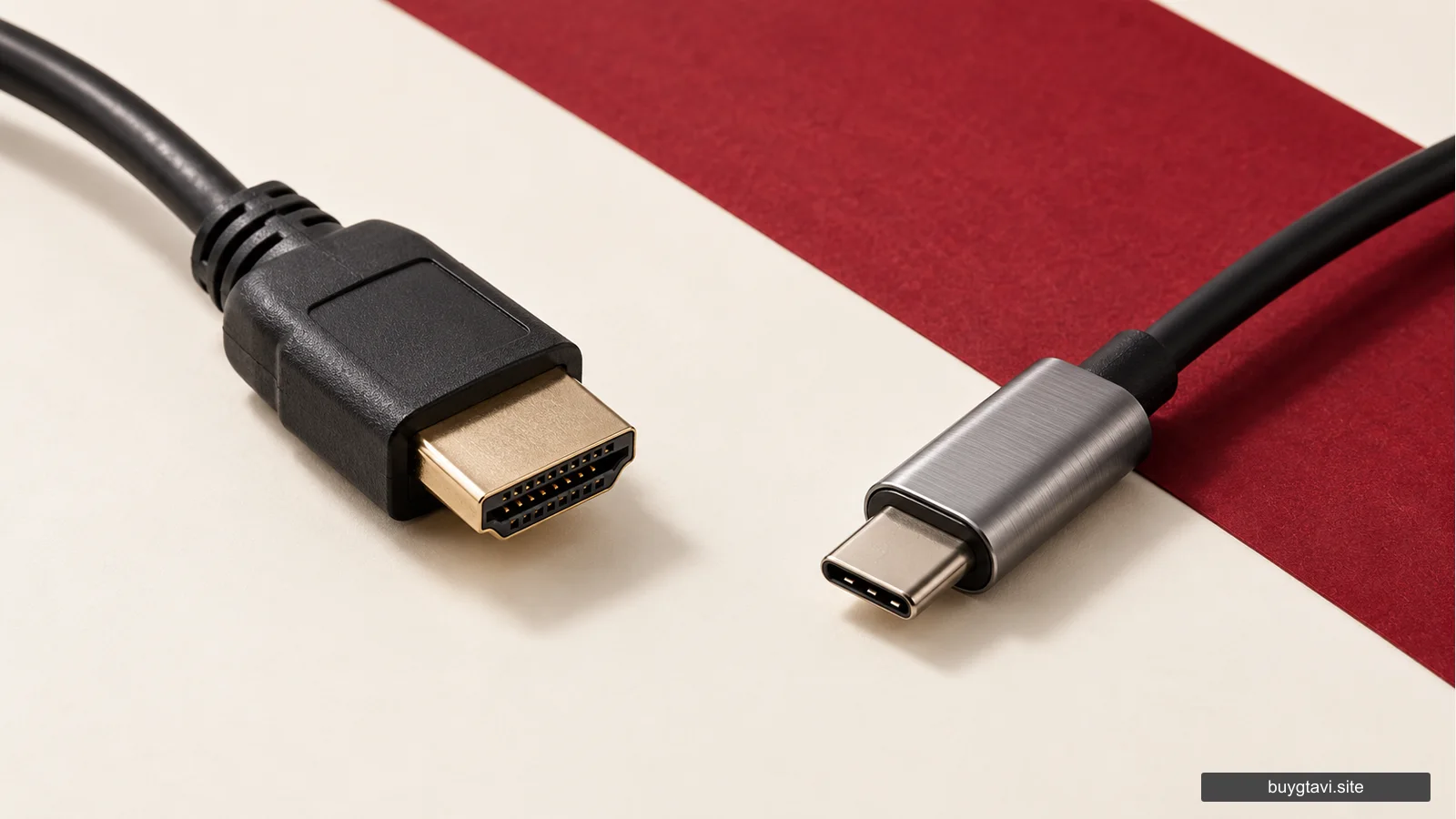
The detachable drive is not a universal USB reader for every PS5. Sony’s installation instructions describe a specific attachment method for the supported models. An external computer drive advertised for reading Blu-ray media is not automatically a substitute. A familiar connector does not establish that a console supports the device as game hardware.
This matters especially for used accessory listings. A low price is irrelevant if the part cannot attach to your console, is incomplete or is not the product the instructions describe. Verify the model, included pieces and seller’s condition statement. Avoid paying for an adapter that claims to bypass official hardware compatibility without a documented supported method.
Consider your existing physical library
If you already own compatible games on disc, a suitable drive may let you keep using those purchases on a supported console. That is a concrete benefit. Compare it with buying digital replacements for games you actually intend to play, while remembering that game-specific upgrade rules can differ. Do not assume every disc supplies every newer edition for free.
A household that borrows or buys used discs can value the format for future games that genuinely ship on disc. The cost comparison should include those realistic uses rather than a hypothetical collection you may never buy. Someone who prefers direct digital purchases and has no physical library has a different reason to keep the setup simple.
For GTA VI, do not count disc resale or lending among the benefits of the announced boxed code. After redemption, the packaging does not transfer the licence. Buying a drive to preserve those assumed benefits would add hardware cost without creating the ownership model you wanted. Product format decides that question, independently of the console’s optical capabilities.
A drive does not replace storage or internet access
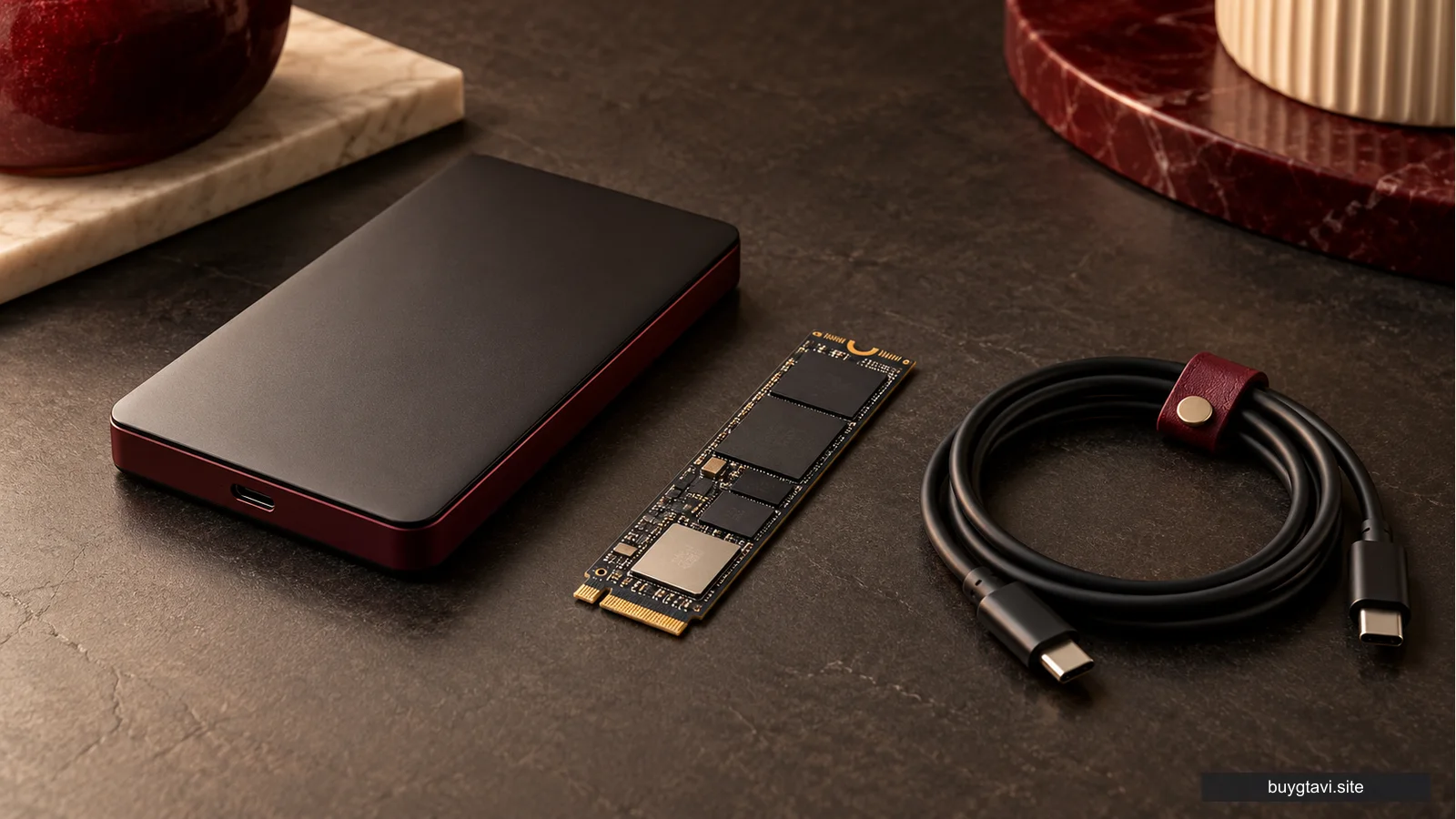
Even disc-based console games can involve installation and updates. A drive and storage perform different jobs: one reads media, while the other holds software and data used by the system. With a download-code product, sufficient storage remains necessary and the game files still arrive through the supported download process.
If your concern is that the console is almost full, open storage settings. Removing or moving an old installation may resolve the immediate issue. If you repeatedly run out of playable space, investigate supported expansion for that purpose. Our storage guide explains why an archive drive and additional storage that can run games are not always the same thing.
If your concern is a slow connection, examine connection stability, household traffic and download time. A drive with no disc to read cannot improve those factors. Likewise, a faster router does not change a provider’s data allowance. Name the actual limitation before buying equipment, so that the solution addresses the part of the setup that is holding you back.
Installation is a model-specific task
When a drive genuinely fits your needs, follow Sony’s instructions for your supported model. They describe powering the console off, disconnecting cables, letting it cool and attaching the intended hardware. Read the full current instructions before beginning rather than treating a short summary as a substitute for the model’s procedure.
Keep the covers and parts Sony tells you to retain. They may be needed if the console is later used without the drive. Do not force a cover or connection that does not align; a part that seems almost right may be wrong for the model or positioned incorrectly. Stop and check the instructions before applying more pressure.
Sony states that internet is required to pair the drive and console at setup. That is worth knowing if you are buying hardware for a place without a usable connection. The accessory’s physical arrival does not complete the entire setup process. Plan the supported pairing step rather than assuming the device will work in every offline situation immediately.
Keep hardware benefits separate from game performance
An optical drive does not promise a higher frame rate, different graphics mode or better image quality in a downloaded game. Those depend on the console, game software, chosen mode and display chain. Adding a drive to a compatible digital console should not be treated as a performance upgrade for GTA VI.
The PS5 Pro Enhanced label is another separate issue. Sony lists that support for GTA VI, but a drive is not what creates the Pro console’s processing features. If you are comparing consoles, read our performance-claim guide before translating a feature label into a precise frame-rate promise. Each feature needs evidence at the level being claimed.
The same principle applies to bundles. A retailer may group a console, drive, game and extra controller into one offer. Break the package into the items you will use and compare its complete cost with buying those items separately. A larger bundle is only better value when the extra contents solve real needs in your setup.
A clear buying decision
Keep your current supported PS5 if it already handles the announced download format and the rest of your library. Consider a compatible drive when actual discs are part of what you want to use. Consider storage expansion when playable space is the real problem. Those are different decisions, and one accessory should not be asked to solve all three.
For the announced GTA VI box, the useful preparation is a supported console, a compatible account, an unused correct code, storage and a connection for the download. The absence of an optical drive does not change the code into an incompatible disc. Knowing what is inside the box can save you an entirely unnecessary hardware purchase.