GTA 6 storage, download and preload: make room for the right thing
Separate file size, installation space, archive drives and playable storage before buying an upgrade or starting the GTA VI preload.
Prepare for GTA VI by checking free space on the console where you will actually play, then use the game’s official download information when it becomes available. Do not buy a storage upgrade from an unsupported file-size rumor. A large capacity number on a drive tells you how much it holds, not whether your console can run a particular game directly from it.
There are three different storage questions: how much data must be downloaded, how much space the installed game needs, and where the console can play it. They are related, but they are not interchangeable. Confusing them can leave you with a drive full of game data that still has to be moved elsewhere before launch.
Rockstar’s GTA VI guidance, checked on October 27, 2026, schedules preload from local midnight on November 12, ahead of the November 19 release. The boxed version supplies a download code, so buying packaging does not remove the download. Plan around your real connection and available space rather than a promise that a parcel contains all the game data.
Read the free space on the console
Open the console’s storage settings and inspect the location intended for the installation. The capacity printed in an advertisement describes the storage device, not your remaining usable space. System files, installed games, updates and captures all occupy room. A console sold with a larger capacity can still have less free space than a smaller one with a tidy library.
Start by identifying games you are no longer playing. Removing an installation and deleting a save are different actions, so read the labels before confirming. On PS5, Sony explains that games and applications can be downloaded again from the game library. That does not mean every type of data can be removed without consequence. A cherished save deserves more care than replaceable installation files.
Video captures are another common source of avoidable storage pressure. Review what is worth keeping and use the platform’s supported export or management process. Do not format a drive with personal files simply because the console offers to use it. Formatting prepares storage for a new purpose and can erase existing contents, which is a different decision from moving a game.
Download size and installation size answer different questions
The download figure describes data transferred to your device. The installed figure describes space occupied after the relevant files have been placed and processed. Updates can add another layer. Compression, additional language content and changes between versions can affect the relationship, so a single number from a screenshot is not a permanent promise for every buyer.
If the game requests more space than the amount you expected, read the message rather than assuming a hardware failure. It may be reporting the space needed for the current installation or update process. Free the amount the platform actually requests, using supported storage management. Do not delete random system folders or follow instructions that promise to bypass the console’s space checks.
For someone with a data cap, the transferred amount matters separately from storage capacity. Enough free storage does not provide enough internet data. Consider other household downloads, the connection’s allowance and whether updates will occur after preload. An Ethernet cable can help connection stability in a suitable setup, but it cannot increase a monthly allowance or make a slow service unlimited.
Archive storage is not always playable storage
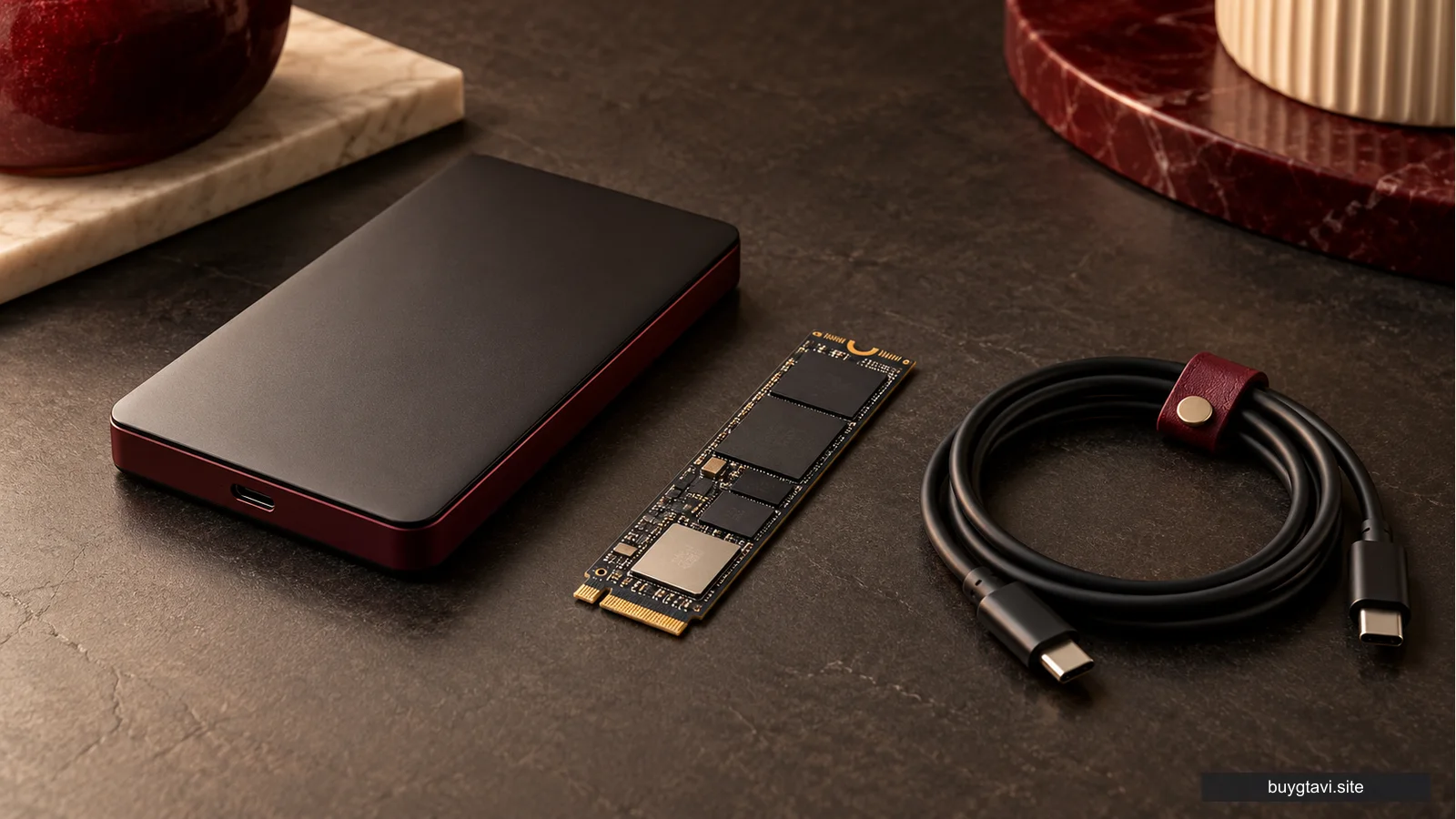
Sony’s PS5 guidance draws a useful distinction. PS5 game data can be stored on USB extended storage, but it must be moved back to console storage or compatible M.2 SSD storage to play. A USB drive can therefore be useful for keeping installations without repeatedly downloading them, while still not being a location from which a PS5 game launches.
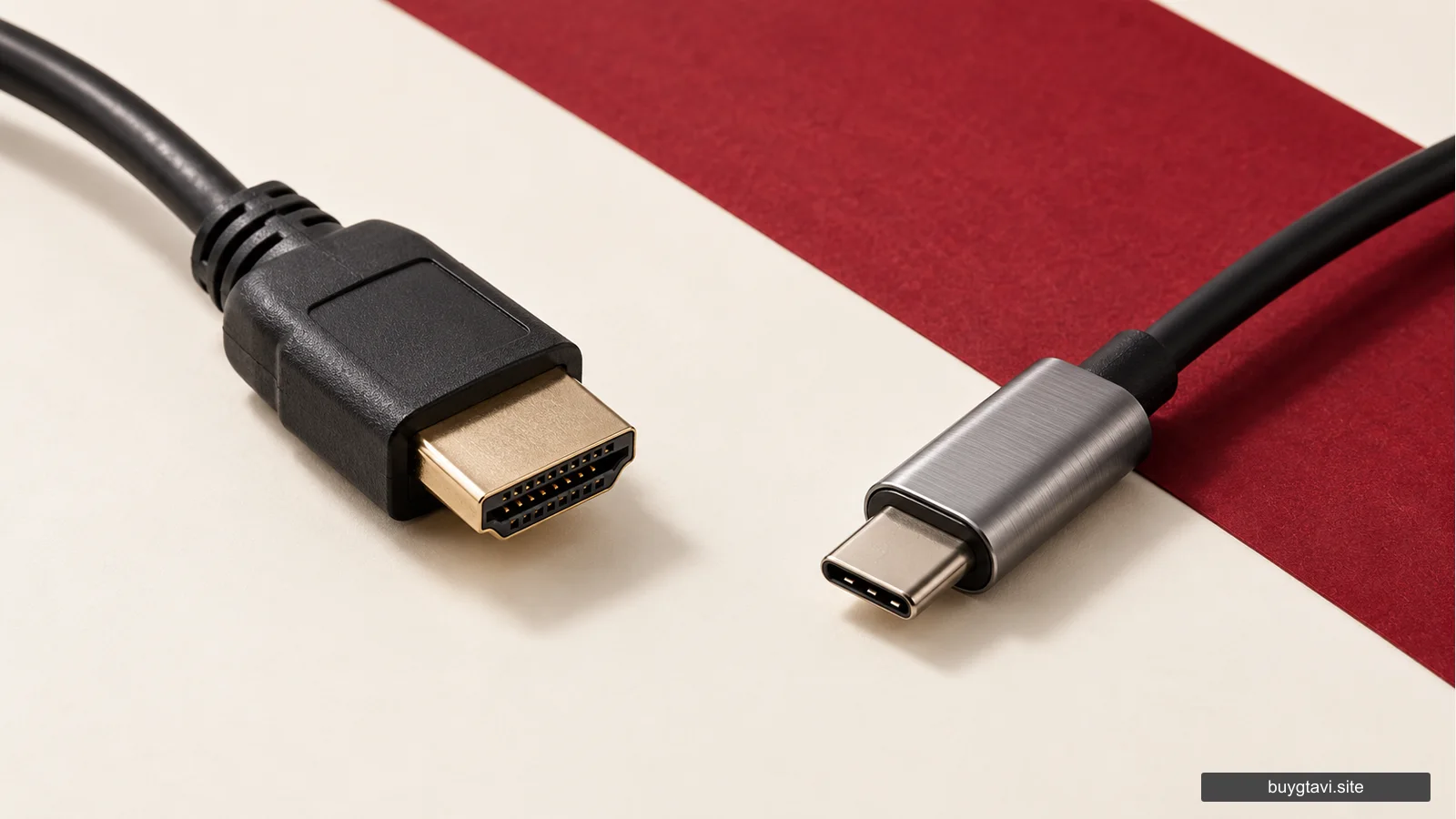
That is why a fast-looking USB SSD is not automatically the answer to every PS5 storage problem. The connector, compatibility and supported use matter. If you want additional space that can run PS5 games directly, investigate Sony’s M.2 requirements and the exact product, rather than assuming any drive described as an SSD fits the internal expansion slot.
Xbox also distinguishes storage expansion designed for Series X|S from ordinary external storage. Microsoft describes the dedicated expansion-card system as replicating the console’s custom SSD experience. A generic external hard drive can have a useful role, but the ability to store files should not be confused with the ability to run every current-generation game from that location. Follow the console’s own installation guidance.
Buy an upgrade for your library, not a guessed number
A storage purchase makes most sense when you can describe the problem: you regularly move games because the playable storage is full, you want to keep several large titles installed, or downloading them again is inconvenient. That is a lasting need. A social post claiming GTA VI requires a dramatic capacity is not the same evidence.
Compare the total cost of the supported expansion with the time and inconvenience of managing existing games. A person who rotates between two titles may be comfortable moving an older installation. A household with several players and a restricted connection may value extra playable capacity much more. Neither person needs to adopt another buyer’s ideal storage size.
For PS5 internal expansion, read the official requirements for the complete drive, including its physical fit and cooling arrangement. For Xbox, distinguish the dedicated expansion-card product from a USB drive with Xbox branding. Product branding can describe a compatible accessory without promising every use you imagine. Avoid opening hardware or buying an adapter until the official installation method is clear.
Preload prepares files, not an early start
Preloading lets the game data arrive before the playable release. It is valuable when your connection needs time, but a completed preload can still display a release restriction. That is expected. Reinstalling the same locked files is not a sensible response when the scheduled launch has not arrived.
For a boxed code, delivery and redemption happen before the download can be associated with your account. A retailer’s expected dispatch or pickup date should be read as its own promise. Rockstar announcing when codes support preload does not prove that every retailer will deliver to every address on that date. Keep the order’s delivery estimate separate from the official game schedule.
If you are still deciding whether to keep a digital preorder, read its cancellation conditions before enabling automatic downloads. Sony’s US preorder policy specifically makes the start of the main download, including preload, relevant to cancellation. The convenience of having files ready can therefore affect another decision. Our preorder timing guide explains that tradeoff without promising a refund.
Handle a slow or interrupted download methodically
First inspect the console’s download queue and the displayed error. A paused download, full storage, a connection interruption and an unreleased game are different situations. Check whether other large transfers are running, whether the console is online and whether the intended storage is available. Keep the error wording if you need official support.
Restarting an entire installation should be a deliberate later step, not the first reaction to a changing time estimate. Estimated completion times can vary with network activity and server load. Repeatedly deleting downloaded data can make a limited connection do the same work again. If a platform support procedure recommends a specific repair, follow that procedure rather than a generic speed trick.
Be cautious with videos offering an alternative GTA VI download, compressed installer or preload unlocker. A platform purchase should be downloaded through the supported library and store flow. A file hosted elsewhere is not validated by having the game’s name. It can introduce an account or computer problem without supplying a playable licence.
A practical result without unnecessary purchases
When you finish preparing, you should know which account owns the game, where its playable installation will live, how much free space the console reports, and whether your connection can handle the download. You do not need a perfect prediction of every later update. You need a supported installation path and room to respond to the actual requirement.
Use existing storage intelligently before replacing it. Buy more capacity when it solves a real library problem, and buy the type that supports the job you want done. The result is less time moving files, fewer repeated downloads and a clearer launch day, without turning an unconfirmed size claim into an expensive shopping instruction.