GTA 6 on Xbox Series X or Series S: choose the whole setup
Both Xbox Series consoles are announced GTA VI platforms. Compare storage, disc needs, existing games and the correct licence without inventing performance results.
Xbox Series X and Xbox Series S are both officially listed GTA VI platforms. That confirms the supported console family, but it does not establish identical performance, a particular frame rate or the same storage capacity on every model. Choose between the machines using your wider library, display, budget and documented hardware differences, then keep game-specific performance evidence separate.
The announced GTA VI box contains a download code rather than a disc. For that particular product, the lack of an optical drive on Series S is not a barrier to entering the compatible code. It remains important for other games on actual discs. A choice made for GTA VI alone can look different once you include the physical games you already own.
Before shopping, check whether you already have a supported Xbox. Xbox One X is not Xbox Series X, and Xbox One S is not Series S. The names are close enough to cause an expensive mistake for someone buying a gift. Read the complete model name, then choose the game licence for the platform you intend to use.
Start with what you own
If you already own Series X or Series S, you do not need to treat a new console purchase as part of buying GTA VI by default. Check available storage and the account you use. Your current machine may already provide the supported starting point. An advertisement showing a newer bundle does not establish a requirement to replace it.
If you own Xbox One, identify that honestly before comparing game offers. A Series X|S listing does not become an Xbox One version because the retailer places both generations in the same category. Backward compatibility describes newer hardware running supported older games, not an automatic ability for older hardware to run every new release.
For a household with several consoles, decide where the game will be played and which account will own it. A familiar email address across services is not proof that one purchase covers PlayStation, Xbox and PC. Our compatibility guide explains those separate layers before you commit to a particular hardware offer.
Inspect the exact Series model
Microsoft’s comparison page lists multiple capacities and both disc-drive and all-digital Series X variations. That means the words Series X alone do not tell you whether a particular offer has an optical drive. Read the selected model, color and capacity in the actual cart rather than assuming the pictured console is the variation being sold.
Series S is an all-digital line. Its lack of a drive matters if your existing library includes Xbox discs you want to keep using. A download code for GTA VI is a different format, but that one game’s delivery method does not convert your other discs into digital licences. Include the cost and inconvenience of any games you would need to replace.
Storage capacity also varies by model, and usable free space changes with your installed library. A large headline capacity is not the amount currently available on a used console. If buying secondhand, ask for the exact hardware description and condition rather than using a photograph of a storage screen as proof of permanent capacity or ownership of included digital games.
Treat performance as a game question
Console specifications describe hardware capability. They do not supply a finished GTA VI benchmark. A resolution target, maximum refresh figure or graphics feature can require supported content and a suitable display. Microsoft qualifies its own performance language accordingly. Do not assume that a generic up-to figure is the mode GTA VI will use throughout the story.
A reader who values image quality may have a reason to compare higher-performance hardware, but the evidence should match the actual result they want. Ask whether a specific mode, frame-rate target or feature is documented for the game. If that information is decisive and not established, delaying the hardware decision can be better than filling the gap with a prediction.
The performance-claims guide explains the distinction between rendered frames, screen refresh and output resolution. It also helps avoid replacing a cable or television without identifying an actual limit. A console upgrade is a large purchase; make it for a clear benefit rather than a number repeated in a shop headline.
Work out where the installation will live
Open storage settings on an existing console. Check which games occupy playable storage and which you can move or reinstall later. A person who plays one large game at a time may manage comfortably with less capacity than a household that switches among several current titles. The right amount depends on your habits, not simply on owning the smallest or largest model.
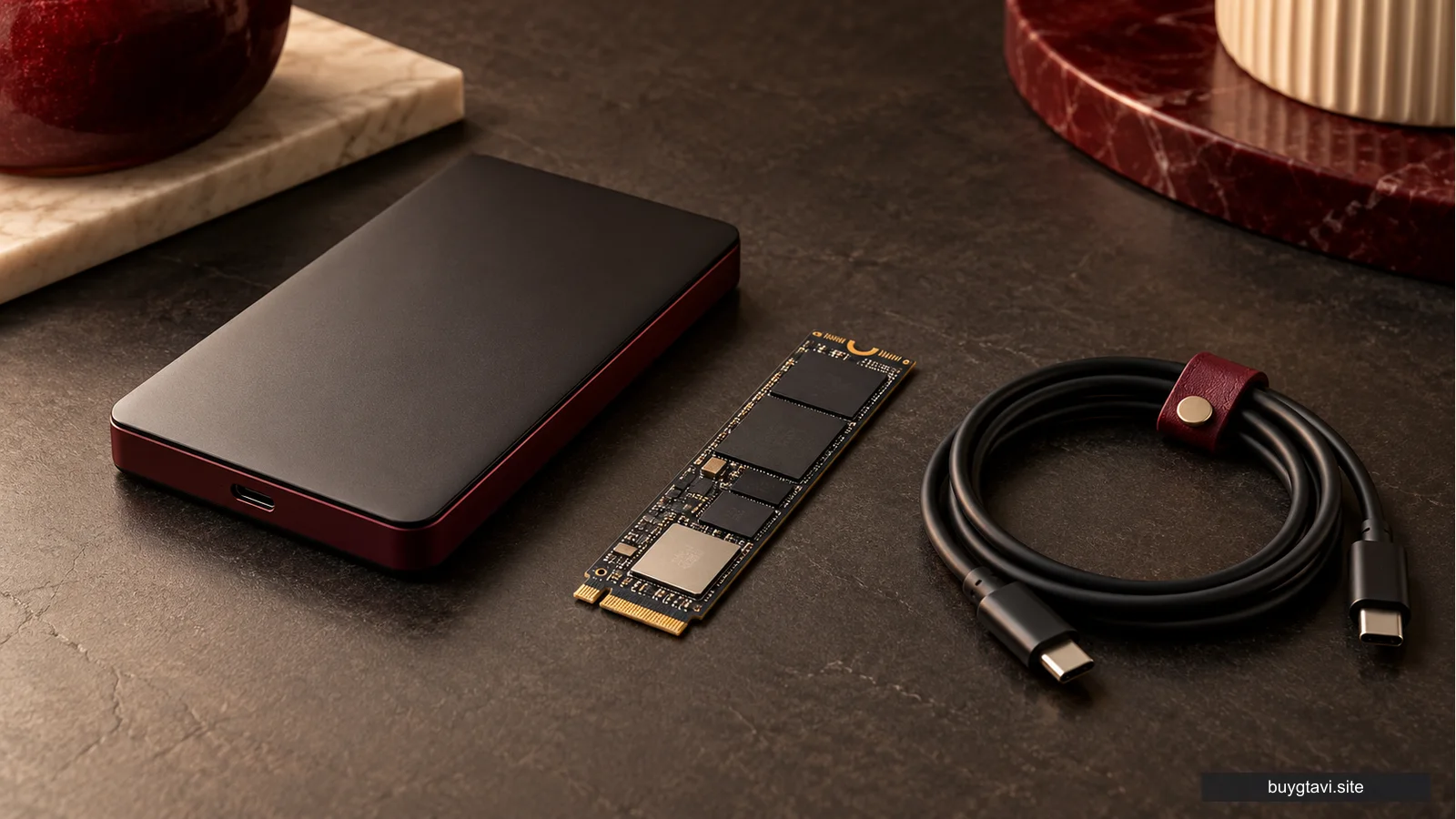
Microsoft describes dedicated Series X|S expansion cards as extending the custom SSD experience. Ordinary USB storage has a different role, and the console may require particular games to be moved to suitable storage before running. Do not buy a generic drive solely because its advertised capacity is large. Confirm the supported use for the job you want done.
For GTA VI’s download-code format, storage and internet preparation remain necessary even if you buy a physical box. The code does not contain the game files. Read storage and preload if a connection limit or full library is your main concern. An optical drive is not a solution to either problem for this code purchase.
Buy the game, not an unclear account arrangement
Choose a legitimate full-game listing for Xbox Series X|S and confirm the edition. Standard, Ultimate and the separate Ultimate upgrade are different products. If you own no base game, a cheap add-on is not a complete copy. If you already own Standard, investigate the upgrade before paying for the base game a second time.
Rockstar’s GTA VI support guidance states that purchased Xbox codes are not region-locked. Keep that product-specific fact within its proper scope. It does not promise that every gift card or membership voucher is interchangeable worldwide. Read the selected offer and use the account intended to own the game, especially when buying through an overseas marketplace.
Avoid offers that deliver someone else’s login instead of a code or purchase on your account. That arrangement gives another person recovery routes and creates a different ownership position. A working login today is not equivalent to a clear licence in your own library. The distinction matters more than how quickly the seller can make a game tile appear.
Add only accessories you will use
An existing compatible controller can remove the need for an extra purchase. If you do need another, check the exact Xbox and Windows support rather than assuming that any wireless gaming controller works with every console. A product bundled with a Windows connection feature is not automatically a PlayStation accessory or a GTA VI-specific requirement.
A headset can be useful for private listening or communication in games that support it, but it should fit the actual connector and your comfort needs. Do not buy a microphone solely because you assume GTA VI contains an announced multiplayer mode. The current official product descriptions and a future online announcement are different evidence.
Finally, compare the complete checkout totals. Include the console variation, game edition, storage or accessories you truly need, tax and delivery. Subtract nothing for a digital game supposedly included on a used seller’s account unless you have clear supported ownership terms. A smaller, understandable setup can provide better value than a large bundle with uncertain entitlements.
Choose Series hardware for the library and experience you want to maintain. Buy GTA VI on the matching account and format. Keep generic console maxima separate from game-specific facts, and you can make an Xbox decision that remains sensible beyond one exciting launch.